Shapely 3D 1.2 — catch a failed print before the printer does
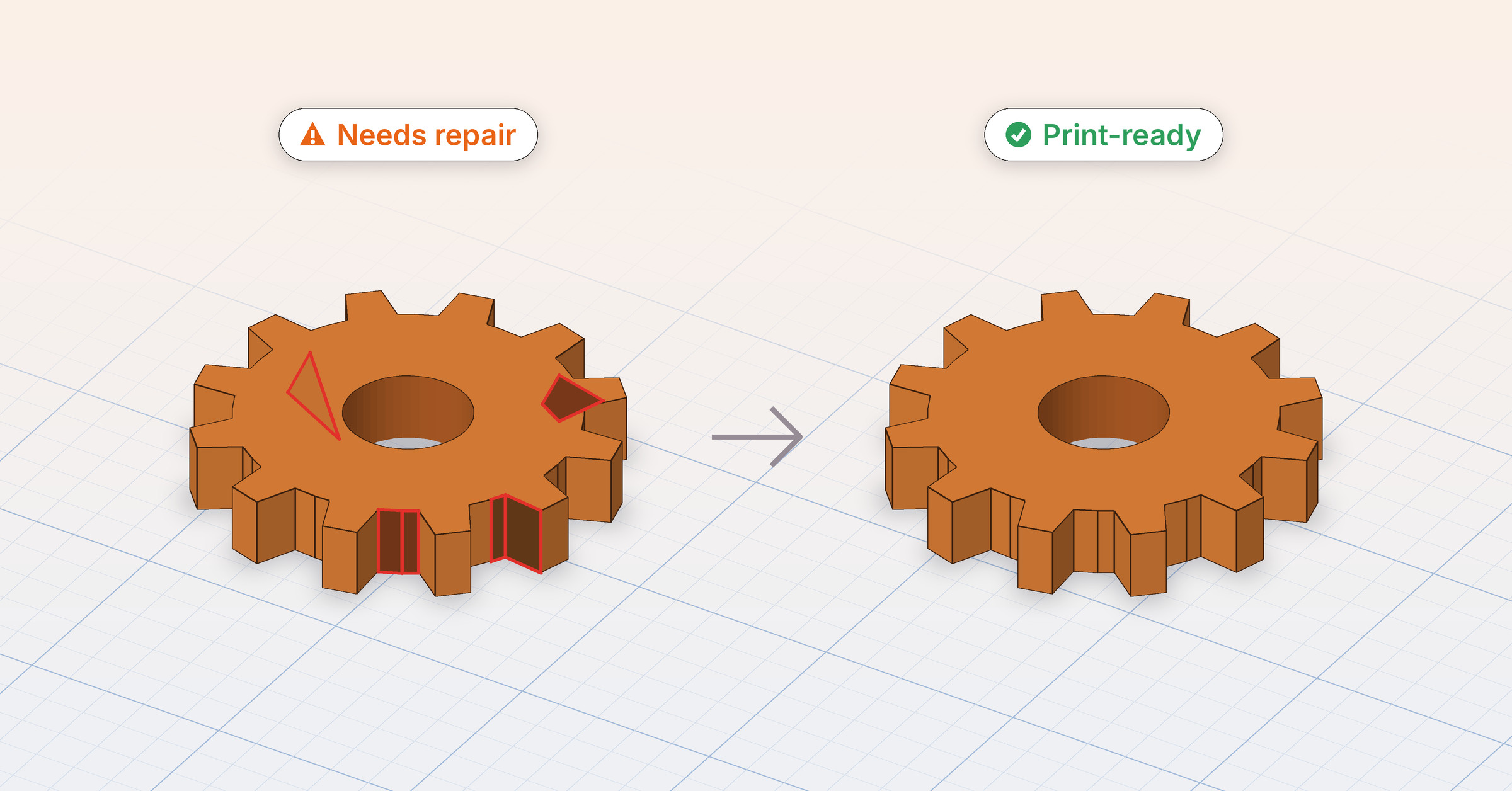
Shapely 3D 1.2 is the print-ready release. 1.1 answered whether a model is the size you think it is; 1.2 answers whether it will actually print. A hole in the surface, an edge shared by three faces, a face turned inside out — none of them show on screen, and every one of them is something a slicer trips on an hour into a print. Now the app finds them first.
#The printability check
Every object is checked the way a slicer checks it, quietly, while you work. A model that is fine shows nothing at all. One that isn’t gets a small warning beside its name in the objects list — no dialog, no interruption, just a mark you’ll notice when you look.
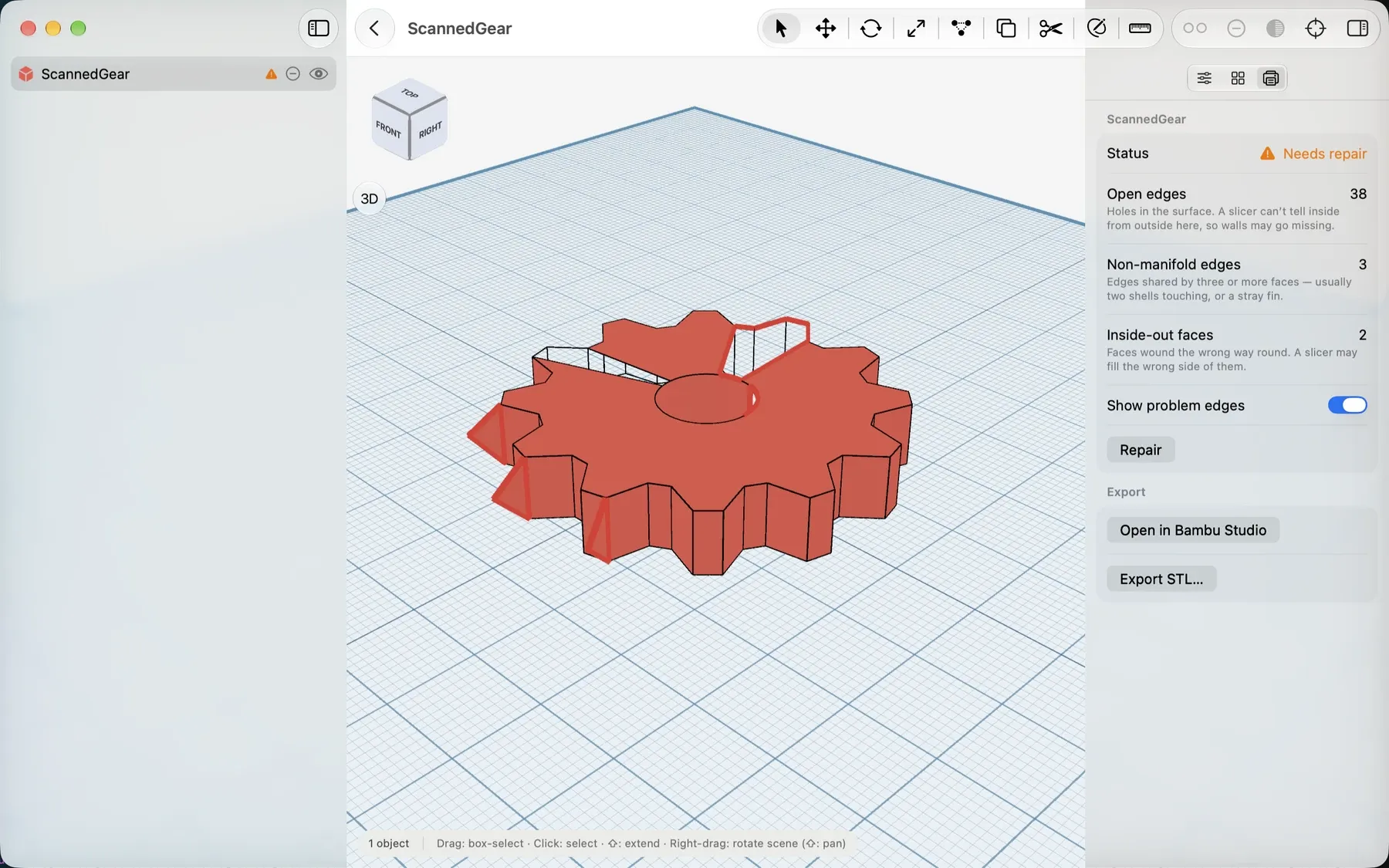
Select it and the new Printing tab, beside the Inspector and the Catalog (⌥⌘3 on Mac and iPad), says what is wrong and why a printer cares, one line per problem: open edges, non-manifold edges, inside-out faces, each with its count. Turn on Show problem edges and they are drawn in red on the model, so you can see exactly where the gap is.
#Repair
Repair (Pro) fixes what it finds in one undoable step: it closes holes, welds the hairline gaps booleans and cuts leave behind, removes stray faces and turns inside-out faces the right way round. It never deletes real surface to get there. When it’s done it says what it fixed — and, if something was beyond it, what is left, so you’re never guessing.
The check itself is free. Knowing a model won’t print is worth having whether or not you want the app to fix it.
#A question at the door, only when it matters
The one place the check speaks up is on the way out. Exporting or sharing an STL or USDZ, or sending a model to a slicer, now asks first when an object may not print correctly: Repair and Export, Export Anyway, or Cancel. A clean scene is never interrupted. A Shortcut exporting such a project fails with a clear message instead of quietly writing a file that would fail later.
#Import USDZ
A scan is where most repairs start, so 1.2 opens the door to them. Import USDZ brings in a model from an iPhone scanner app — a hinge, a broken knob, the mug a holder has to fit around — or anything Quick Look opens, at its real size. On Mac it’s in File → Import, or just drop a .usdz on the viewport; on iPhone and iPad it’s in the project menu at the top of the objects list (and the File menu on iPad), on iOS 26 as well as 27. Scan it on the phone, import it on the phone.
#Open in Bambu Studio and PrusaSlicer
On the Mac, the last step is now one click. File → Open in — or right-click a project on the home — sends the model straight to Bambu Studio or PrusaSlicer as an STL, with no save panel in between. The submenu lists only the slicers you have installed.
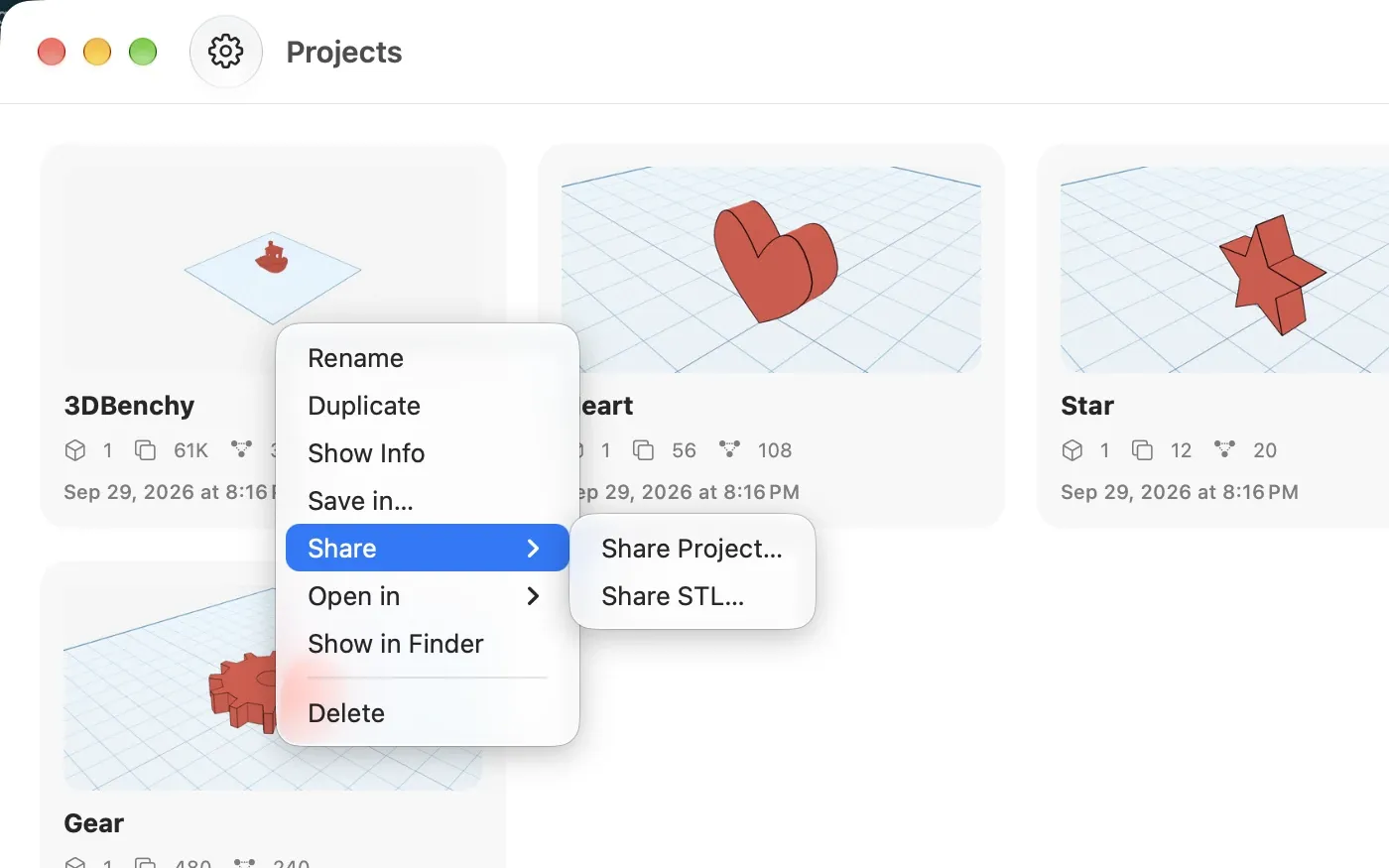
The same menu gained Duplicate: right-click or long-press a project card and a copy named “… copy” appears at the top of the grid, ready to change while the original stays as it was.
#A new icon
Shapely 3D has a Liquid Glass icon, with Dark, Clear and Tinted looks that follow your Home Screen and Dock. The orange cube now rests on its workplane grid, the way objects do in the app, and the same icon greets you on the launch screen, in About and on the welcome tour.
#Tidier menus
The Mac’s File menu groups its file items into Import, Export and Open in submenus, each row a format or an app, instead of a run of look-alike items. The project menu on iPhone and iPad and the iPad’s File menu are grouped the same way. On iPhone and iPad, Settings now closes with an ✕ in the corner, like the Pro screen, instead of Done.
And the App Store review request no longer appears while you’re working. It waits for the projects home, only after a few days of real use, skips any session that ran into an error, and asks at most once a quarter.
#Improved and fixed
- The welcome tour’s last page now says to check the model on the Printing tab before exporting.
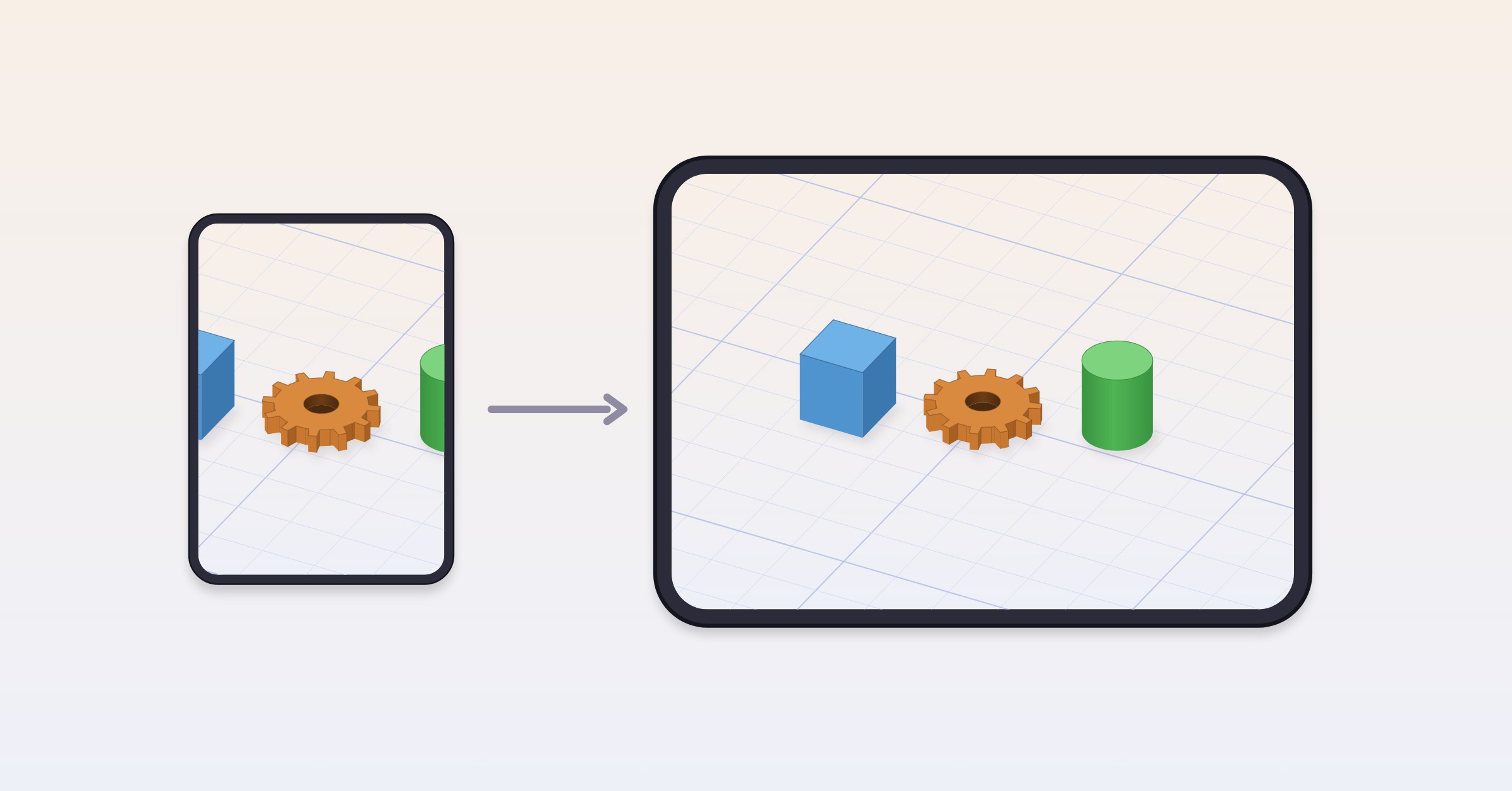
- Settings and the welcome tour lay out properly on iPhone Duo and other narrow screens — rows keep their label and value on one line, and buttons wrap instead of being cut off.
- Export STL proposes the project’s name instead of “Untitled.stl”, on every platform.
- On Mac, Export and Share → STL grey out on the projects home and on an empty scene instead of staying enabled.
- The Pro screen on Mac reads every feature in full, in every language, instead of cutting the longer ones short.
#Where to get it
Shapely 3D 1.2 is a free update on the App Store for Mac, iPad, and iPhone.
If the check catches something that would have cost you a print — or misses something it shouldn’t have — we’d like to hear about it: [email protected].