Introducing Shapely 3D
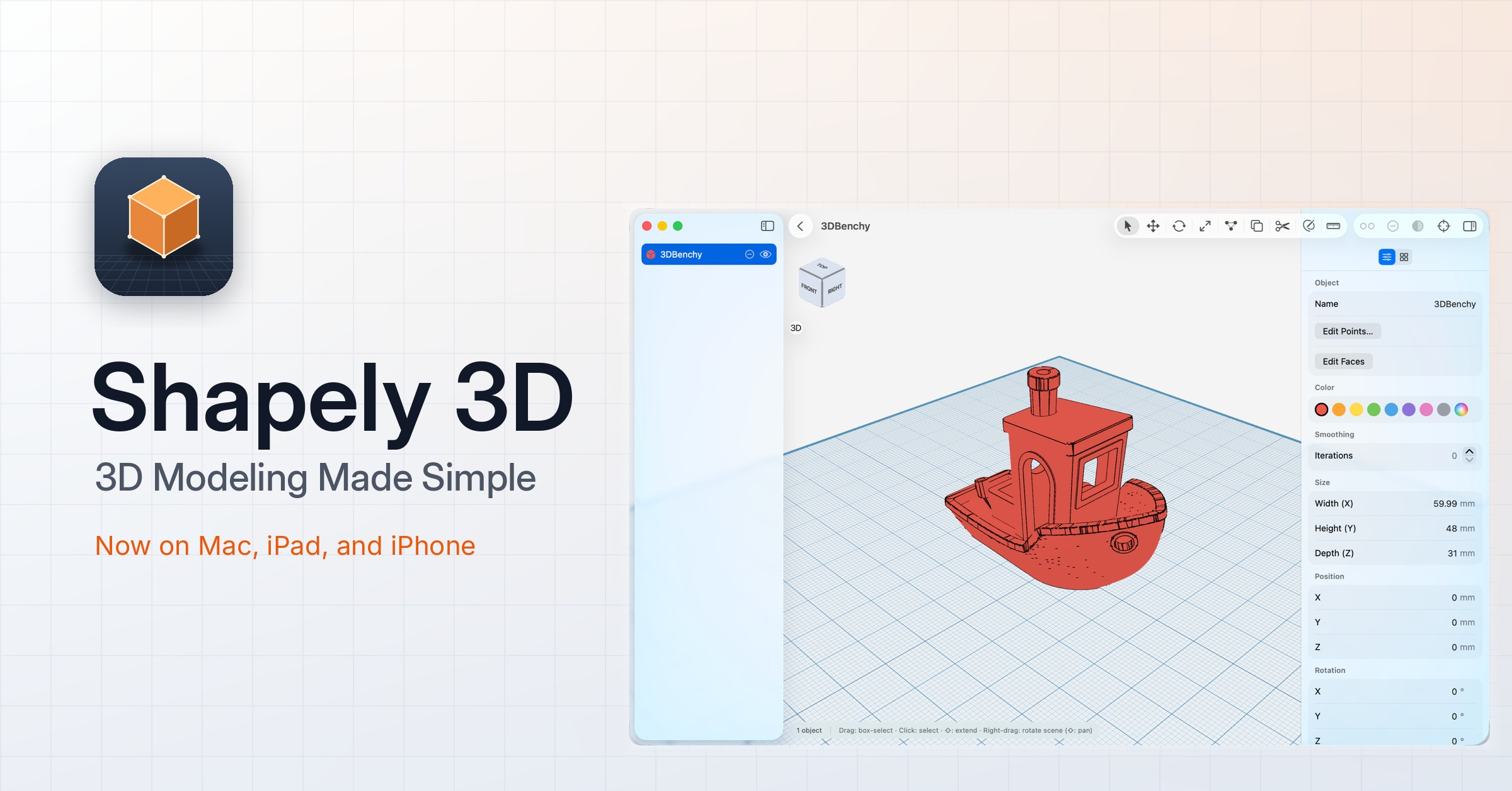
Shapely 3D is out today. It is a 3D modeling app for Mac, iPad, and iPhone, and it exists because of a gap we kept running into: the tools powerful enough to make a real, printable part are the same tools that expect you to learn them for a month first, and the ones simple enough to open on a whim can’t export anything you can actually use.
#What it is
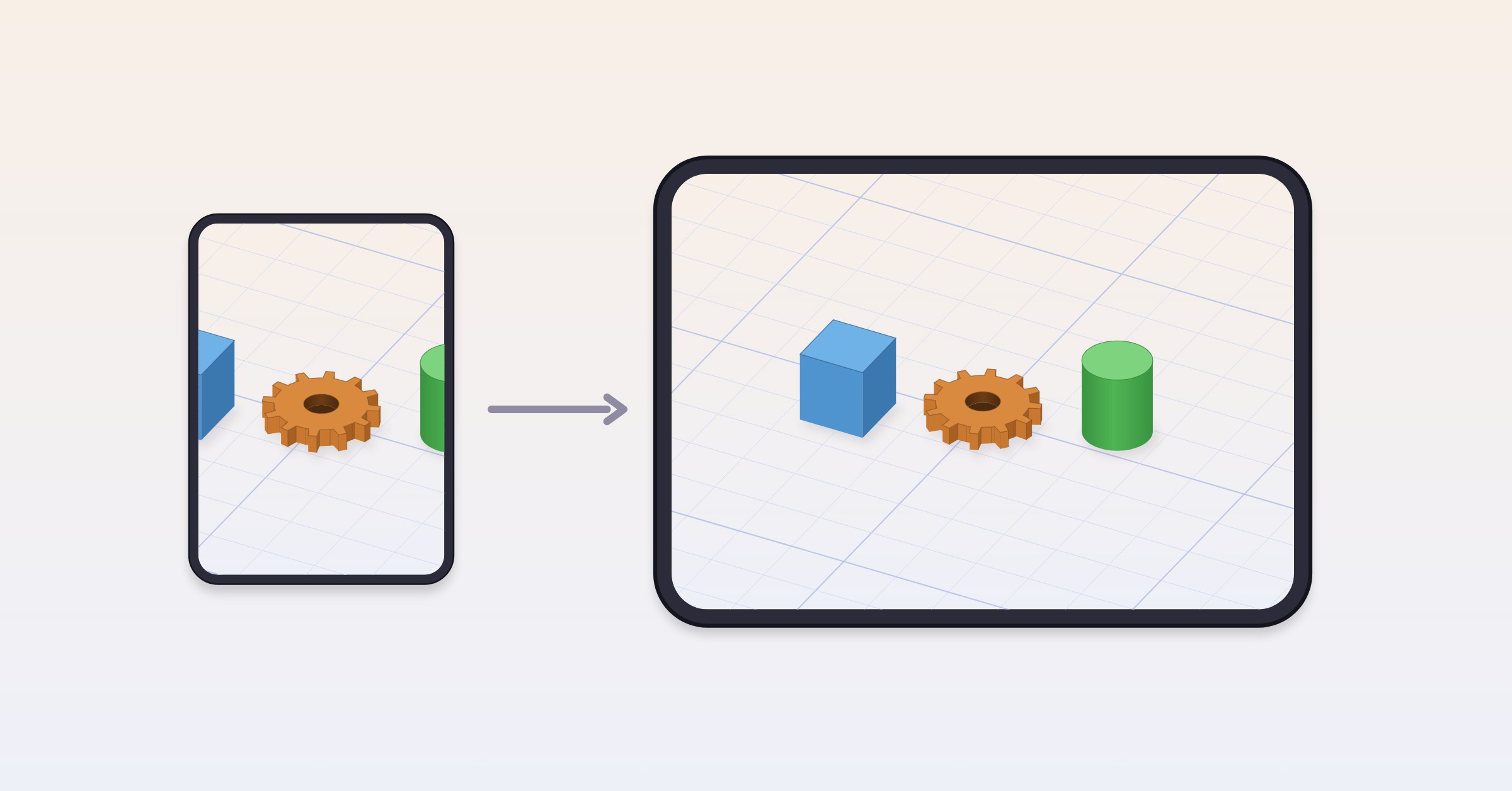
Shapely 3D is a native app on all three platforms — not a port, and not a web view in a wrapper. On Mac it expects a keyboard and a mouse. On iPad it expects your finger or an Apple Pencil. On iPhone the whole editor fits in your pocket, which sounds like a compromise until the first time you sketch something out while waiting for a train.
The idea throughout is that you should be able to open it, drag a shape onto the workplane, and understand what you’re looking at. Everything else is layered on top of that, not in front of it.
#Building from primitives
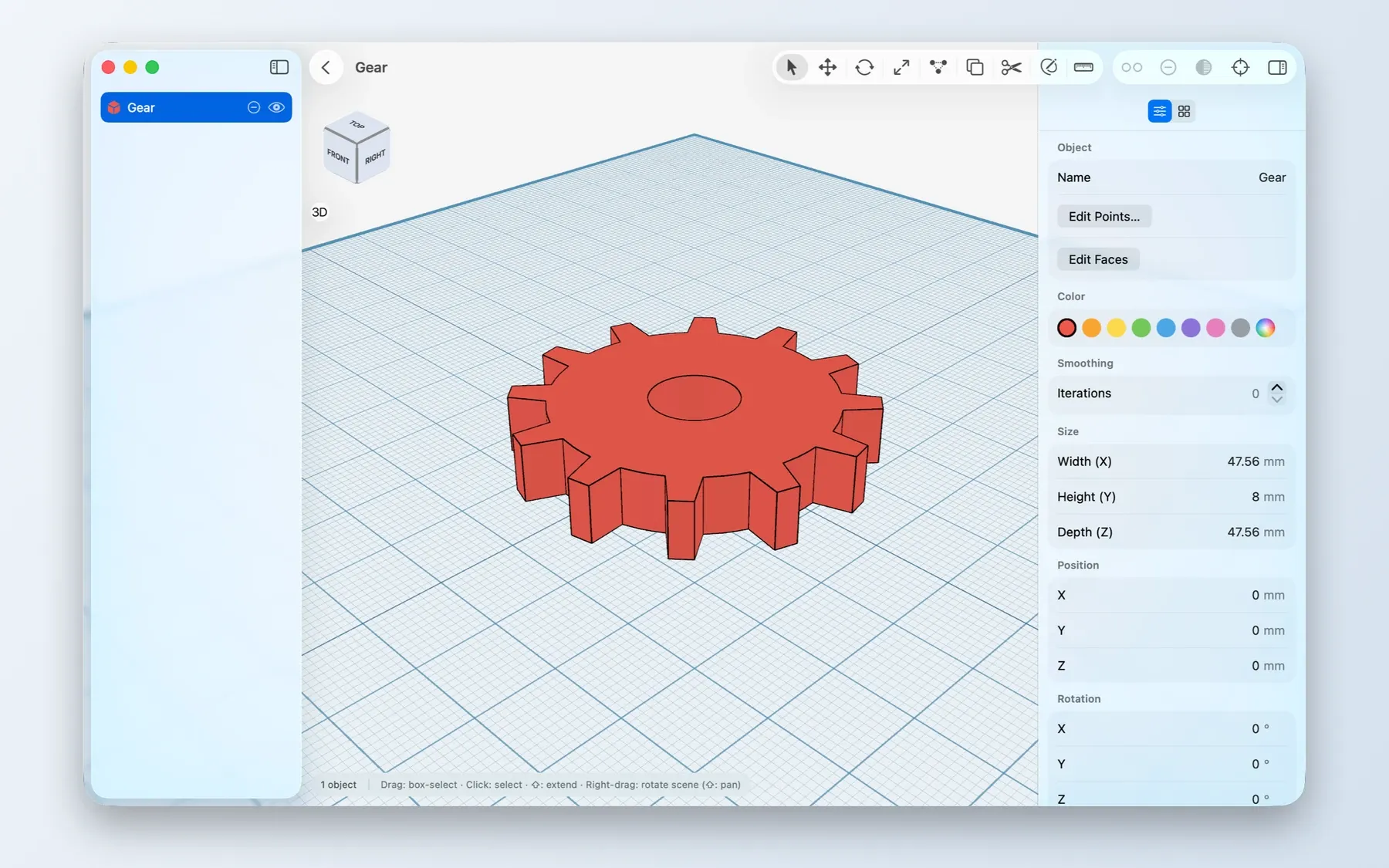
Scenes start as simple shapes — cubes, cylinders, spheres — that you move, rotate, and scale with an on-screen gizmo. The gizmo is deliberately precise rather than clever: each axis is a separate handle, so you never discover that a drag you meant as “move it right” also rotated the object four degrees. Scenes aren’t limited to primitives, either: you can add 3D text, or import an existing STL file and build on top of it — importing is free, on every platform.
Your work saves itself as a native document and reopens exactly where you left it, with full undo. There is no project setup step and nothing to configure before you can start.
#Precision, without a CAD degree
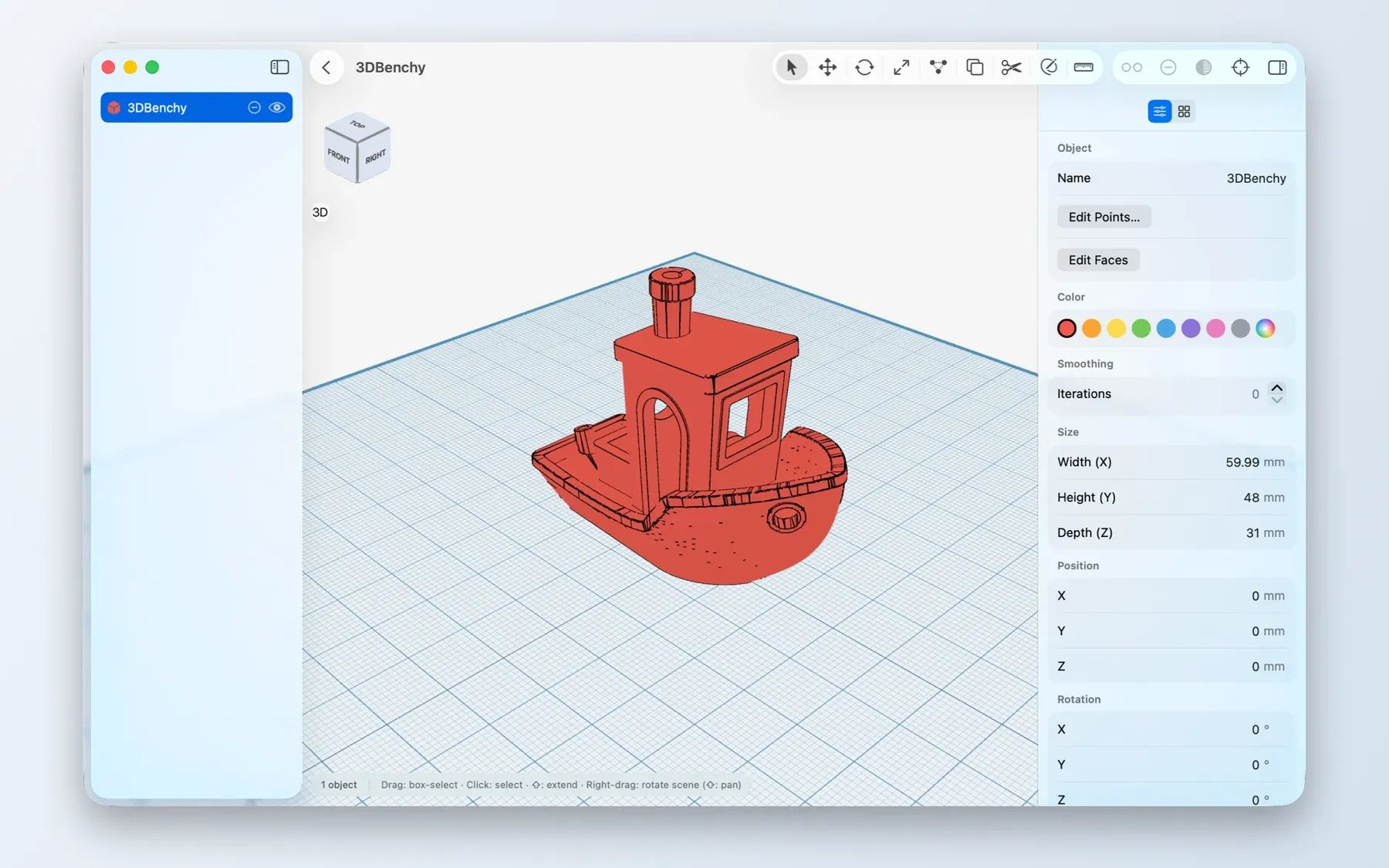
Two features do most of the work here. The first is a configurable grid with smart snapping, which keeps pieces where you meant to put them instead of a pixel off. The second is live measurements, in millimeters or inches, that follow your edits as you make them — so the dimension you care about is on screen while you’re changing it, not three menus away afterwards.
This is the part that turns a shape into a part. If a bracket has to be 43mm across to fit something on your desk, you can watch it become 43mm across.
There’s also an orientation cube in the corner: one click or tap jumps you to top, front, side, or anything between. It’s a small thing that you use constantly.
#What Pro adds
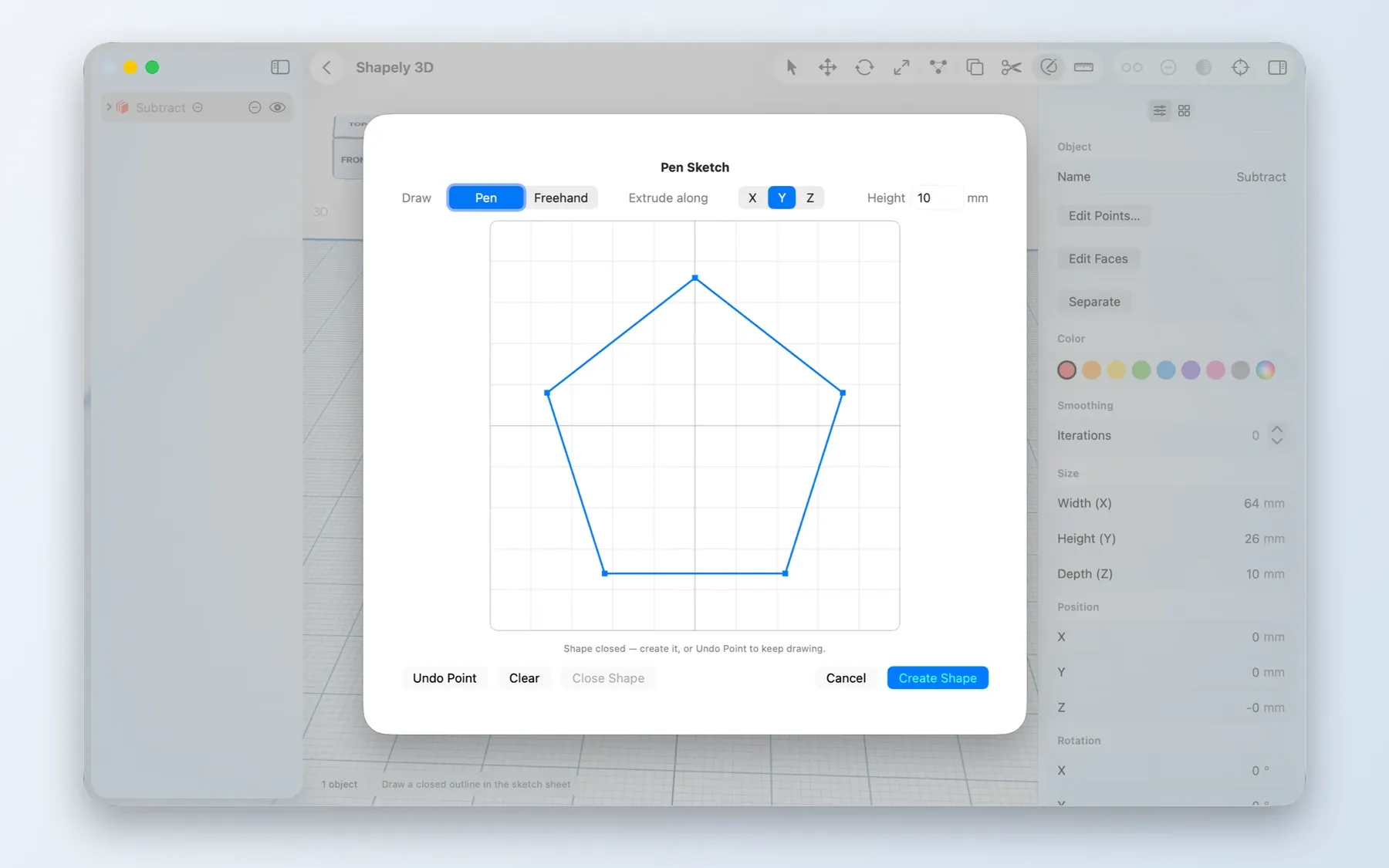
The free app covers modeling, snapping, measurement, STL import, and documents. A one-time in-app purchase called Shapely 3D Pro adds the tools for more involved work:
- CSG boolean operations — union, subtract, and intersect shapes to build forms you can’t get by stacking primitives.
- Sketch & Extrude — draw a 2D profile and pull it into a solid.
- Smoothing — round any object with adjustable subdivision, non-destructively, so you can change your mind.
- Cut tool — slice an object apart along a face or a line you draw.
- Edit Faces — move, extrude, and reshape the individual faces of an object, for the details primitives can’t reach.
- STL export — send the result to a 3D printer or hand it to another CAD tool.
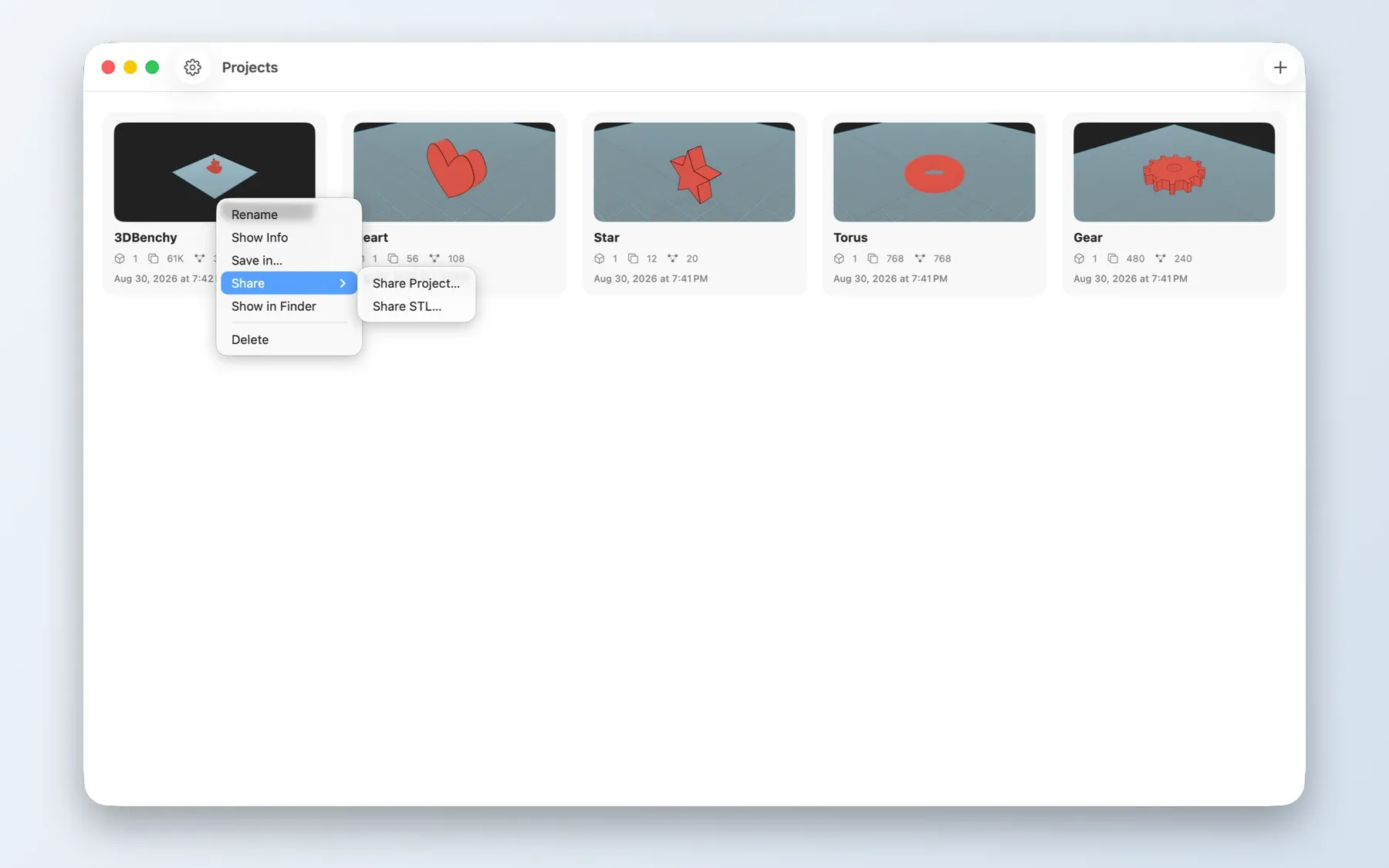
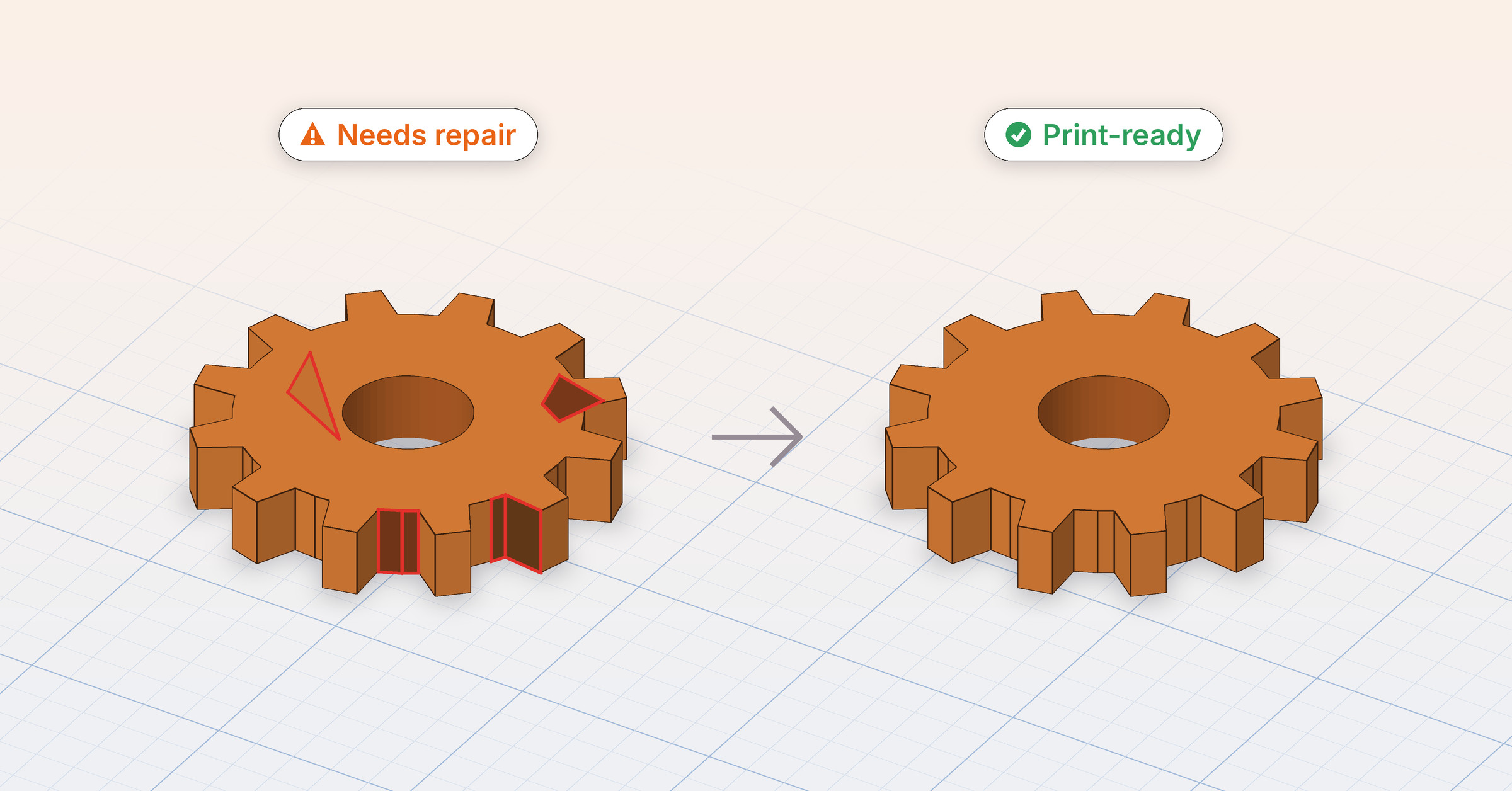
STL export is the one we’d point at first. A model you can’t get out of the app is a sketch; a model you can hand to a printer is a thing you made.
#Launch discount, until September 30
Shapely 3D Pro is $4.99 until September 30, down from $9.99 (with equivalent pricing in other regions). After that it goes to its regular price.
It’s a one-time purchase, not a subscription — and it’s a universal purchase, so buying it on any one platform unlocks it on Mac, iPad, and iPhone. If you buy it at $4.99 now, you own it at that price permanently; the increase on September 30 applies to new purchases, not to yours.
Note
The discount ends on September 30, and the app itself is free to download either way — you can build, measure, and save documents without buying anything, and decide about Pro once you’ve hit something it would help with.
#Your files stay yours
Everything you make is a document on your device. There is no account to create, no server that receives your models, and nothing that needs a connection to work. When you export an STL, it goes where you send it and nowhere else. The privacy policy is short, and short for a reason.
#Where to get it
Shapely 3D is on the App Store for Mac, iPad, and iPhone.
If you’re writing about it, there’s a press kit with the icon at full resolution, hero renders, the screenshot sets, and the preview video in one download.
And if you build something with it, or hit something that doesn’t work, we’d like to hear about it: [email protected]. This is the first release, and the list of what to do next is mostly going to come from what people tell us.