Shapely 3D 1.4 — your shapes, every project
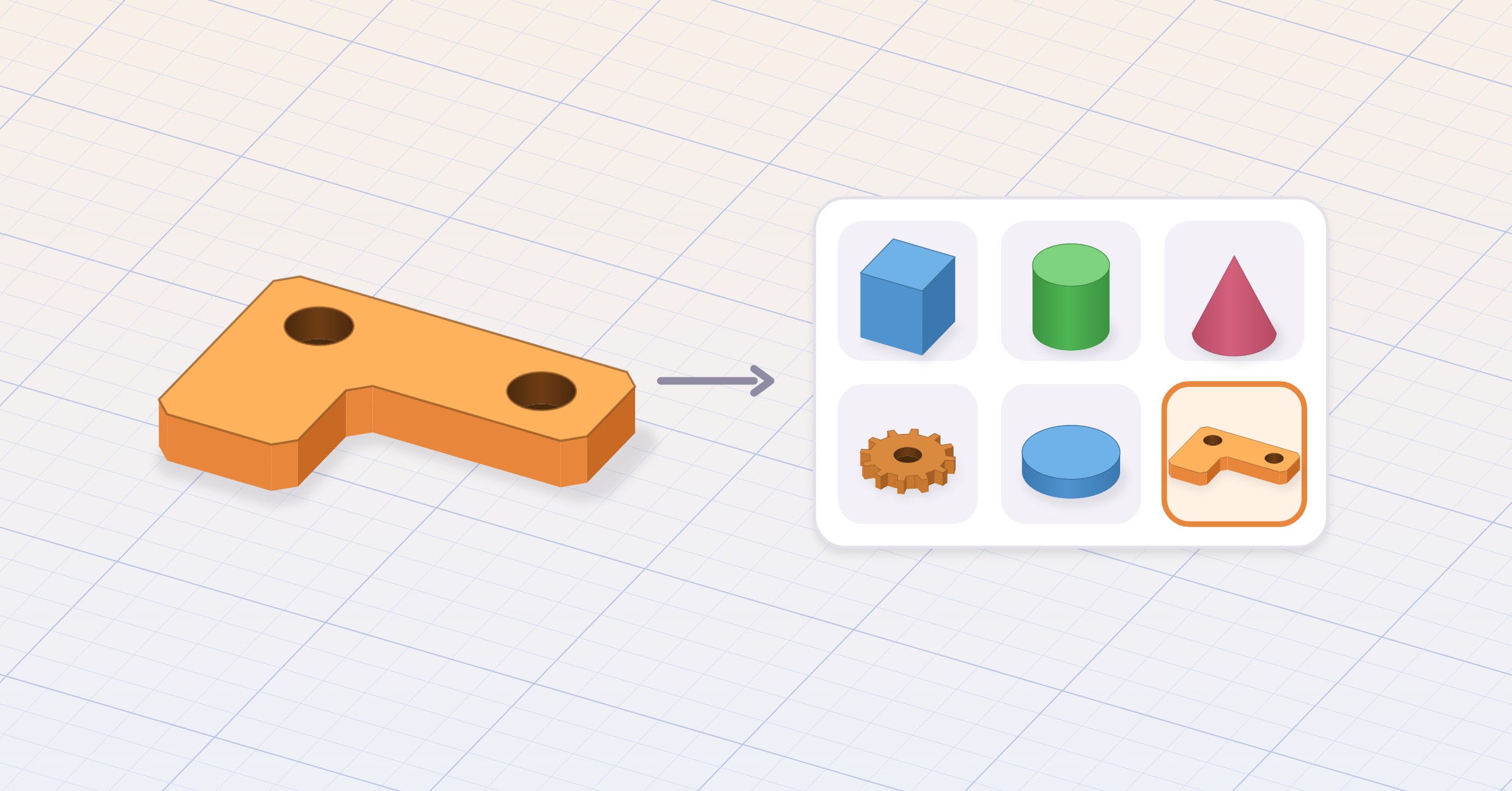
Shapely 3D 1.4 lets you keep what you make. 1.1 asked whether your model is the size you think it is; 1.2 asked whether it will print; 1.3 asked what happens when the phone folds in half. 1.4 asks a quieter question: why are you drawing that bracket again? You shouldn’t be. Build it once, place it in every project after.
#My Objects
Add to My Objects — in the Object menu, or the object’s context menu — saves anything you made to the catalog. From then on it sits in the My Objects section, and you place it in any project with a click or a tap, exactly like a built-in shape: the same ghost preview, the same placement on whatever face you point at, one undo step. A merged group is saved as one object, because it is one, and you can still separate it after placing it. Holes come back as holes, text stays editable, smoothing and face colors come along for the ride.
Every saved object gets its own preview, taken from the same angle and drawn like the shape icons, in black or white to match light or dark mode. It sits on the shelf next to the cube and the sphere, and nobody can tell who was there first.
A saved object can also leave the app: share it from its tile as a .shapely3dobject file, and when someone opens one you sent, it lands in their My Objects. Shapes are better with friends.
Three objects are free. Shapely 3D Pro removes the limit, for those of us with strong opinions about brackets. Placing, renaming and deleting saved objects is always free, whatever you have.
#Widgets
Recent Projects comes to the Home Screen and the Mac desktop — small, medium and large — with each project’s preview and how long ago you last edited it. “2 weeks ago” is information, not judgment.
On iPhone and iPad, Continue Editing and Last Edited go on the Lock Screen, and an Open Shapely 3D control fits the Lock Screen buttons, Control Center and the Action button. A tap opens that project. The Action button has found its purpose.
#Tell us what to build
The lightbulb on the projects home opens Feature Requests: vote on what we build next, comment, or suggest your own idea. No account needed. We read every suggestion before it appears, including the ones that just say “more cubes”. The board is run by Kickstart Signal; our privacy policy says exactly what it stores.
#Faster, however big
1.4 saves projects in a new format whose previews and details load without reading the whole model, so the projects home opens at once however big your projects are. The first launch after updating converts your existing projects once, with a progress screen. Projects saved by 1.4 can’t be opened by earlier versions, and from now on a project from a newer version asks you to update — with a button to the App Store — instead of pretending to be damaged.
Big projects no longer freeze the editor either: saving happens in the background, a large imported model appears a moment after its project opens instead of holding the whole app hostage, and on Mac an idle editor window no longer keeps the machine busy. Idle now means idle.
#Smaller things
- Project previews on the home, in the widgets and in Spotlight show your objects up close on the workplane, always from the same angle, whatever the camera was doing when you left — and they match light or dark mode.
- When Subtract or Intersect leaves nothing, the message now says why: the shape being cut sits entirely inside the shapes cut from it, or the shapes don’t overlap. Still nothing. Now with an explanation.
- The Pro screen and Settings › Pro now say that Pro is ad-free, and in the last 24 hours of a sale they count down the hours and minutes. Dramatic, but accurate.
#Fixed
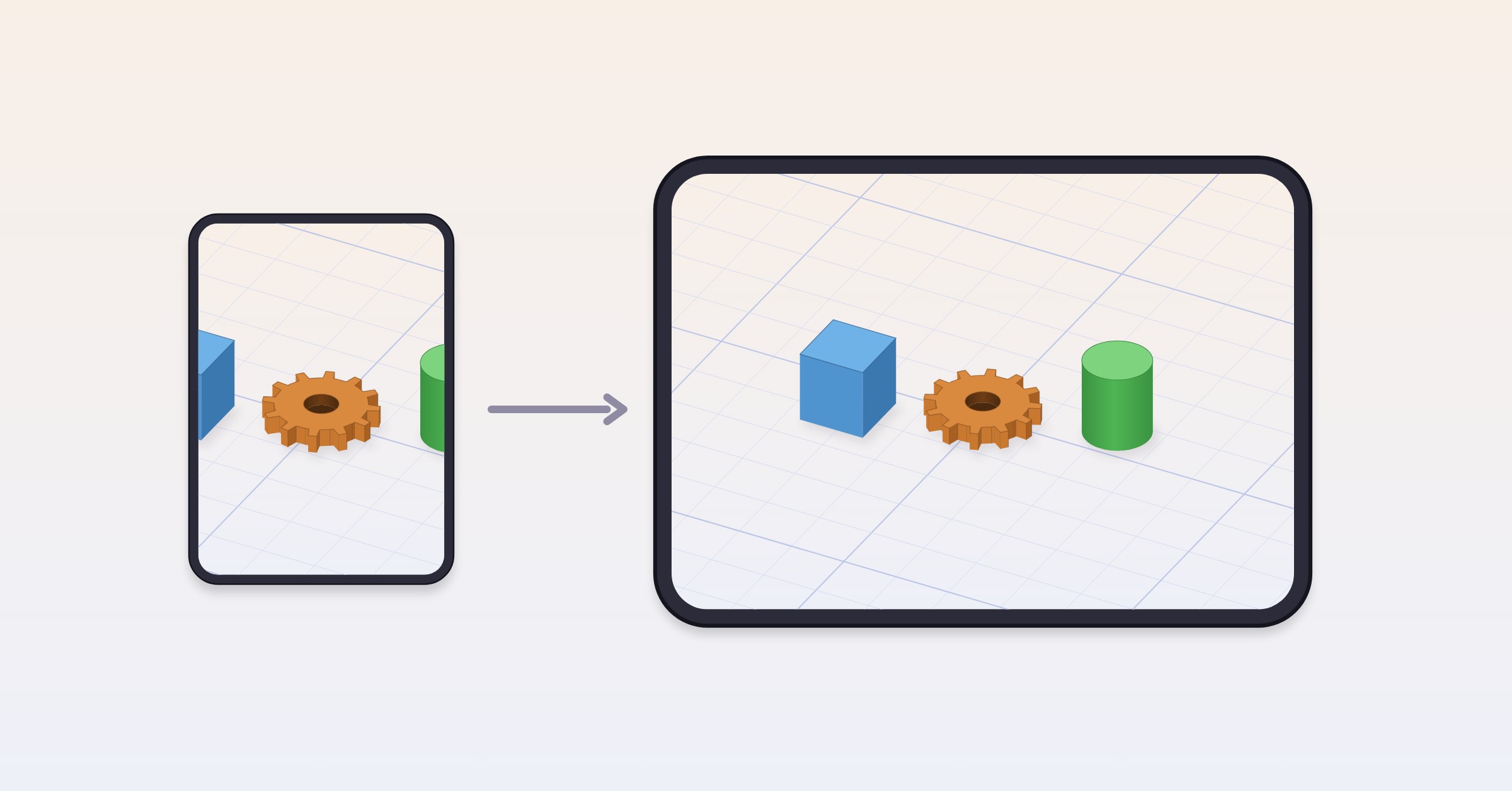
- Fixed a crash on iPhone Duo with a project open in landscape, and the scene now stays centered in the part of the screen you can see when the inspector is open, instead of half hiding behind it.
- Fixed a crash when opening View in Room while a tip was on screen. The tip has learned to wait its turn.
- Changing the workplane size in Settings with a project open keeps the workplane framed, instead of overflowing the view until Center Scene.
- Text STL files (the kind that start with
solid) now import with a zero-size triangle, an accented letter in the name, Windows line endings or a comma as the decimal point. Older builds refused them outright. They were valid files. We apologized.
#Where to get it
Shapely 3D 1.4 is a free update on the App Store for Mac, iPad, iPhone and iPhone Duo. Everything from 1.3 — iPhone Duo, the printability check, Repair, Open in Bambu Studio and PrusaSlicer — is right where it was. Now with somewhere to keep what you make.
If a saved object comes back different from how you left it, tell us: [email protected]. Send the file if you can. We like files.